BLOG · 2 MIN READ
AV Access Review: A Shared Desk That Works Without Daily Cable Swapping
Oct 28, 2026 · 0 views
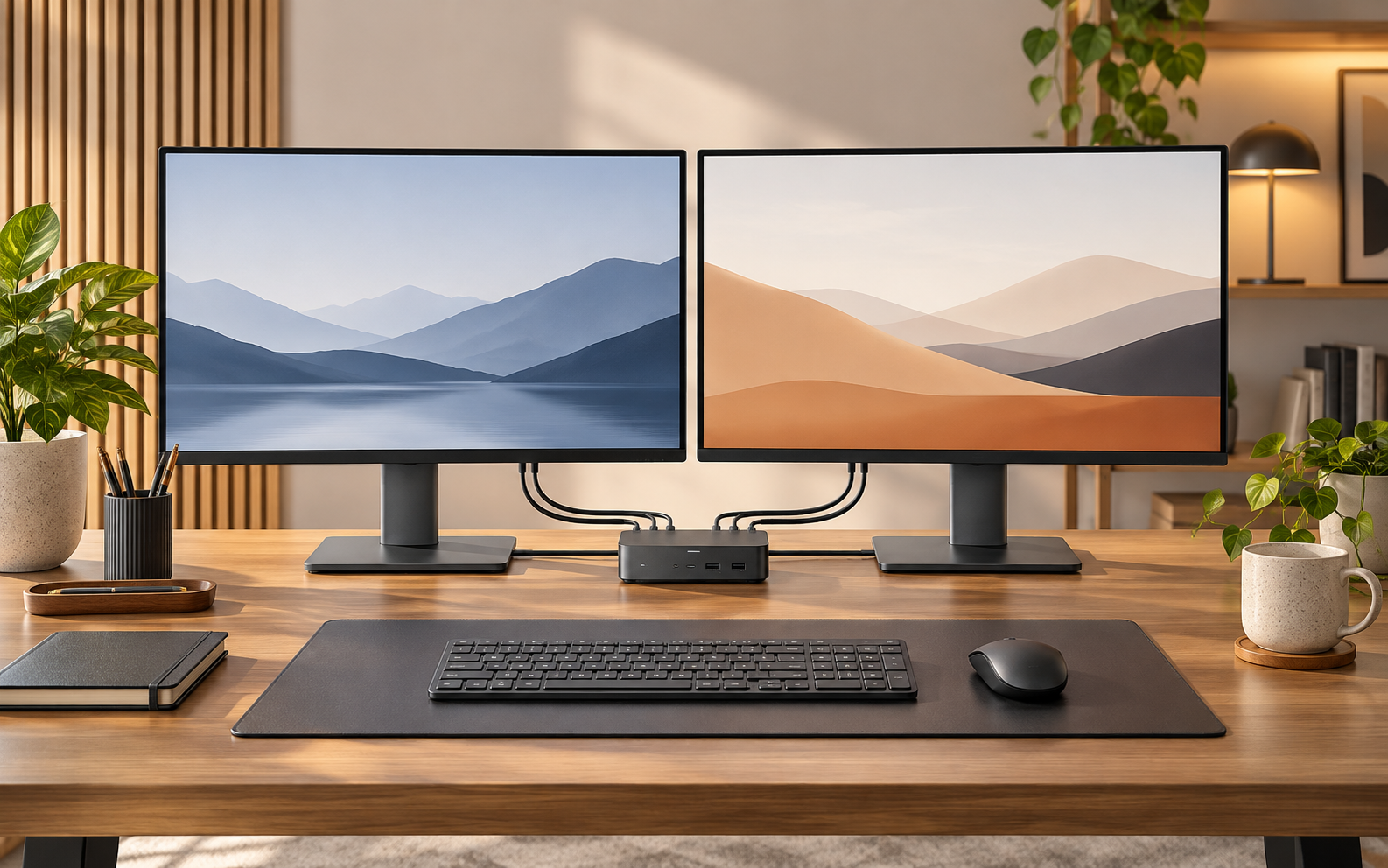
Pay for a smoother switch between computers
A KVM or docking setup is useful when moving between work and personal computers repeatedly interrupts the day. AV Access is worth comparing if one set of monitors and peripherals would make that transition simpler. Start by listing the computers, displays and USB devices you actually use. The result should be fewer reconnections and predictable operation, rather than a box with more ports than your setup needs.
Use the current iDock range as a shortlist
The homepage features iDock C10 for a shared work-and-life desk, C20 for another multi-computer workflow and gaming-oriented iDock models including B12. It also sells other AV categories that solve different problems. A KVM, an extender and an AV-over-IP product are not interchangeable. Select a model around the exact source and display connections before comparing a headline resolution or the appearance of the rear panel.
Check the complete video path
Confirm the supported resolution, refresh rate and monitor count for each connected computer, including its operating system and available output modes. A USB-C socket alone does not establish the required video capability. Ask how the selected dock handles your host configuration, adapters and display arrangement. Compare the exact published compatibility table rather than transferring a high-refresh claim from one port or scenario to every connection in the system.
Peripheral behaviour matters after the first switch
Check USB bandwidth and support for the devices you share, particularly webcams, storage or specialist interfaces. Determine what happens to displays and peripherals when switching, sleeping or restarting either computer. A convenient keyboard-and-mouse change does not guarantee that every application or USB device behaves identically. Read the model instructions before purchase and ask support about the parts of your configuration that are not explicitly covered.
Our verdict: compare a complete, supported setup
Include required cables, adapters, power and any charging capability in the total. A cheaper unit can be poor value if it cannot sustain the display arrangement you use daily; a higher specification is unnecessary when it solves no actual limitation. AV Access belongs on the shortlist when the precise model supports your full configuration and the return and support arrangements are clear. Choose that supported match first, then apply the available offers.
Current offers and a sensible final price
Check the latest AV Access coupons and offers on Dealnory for the current selection. Compare the complete total and the eligibility of each code; offers are alternatives unless the merchant explicitly permits combining them.
Coupon codes, deals and availability depend on the merchant’s current terms and may change or expire. The linked Dealnory store page has the latest available alternatives.
Sources and disclosure: AV Access official homepage, current iDock product and desk-solution descriptions, checked 28 October 2026. Editorial assessment of published information, not a hands-on product test. Dealnory may earn commission from qualifying purchases. Images are editorial illustrations.