PHOTOGRAPHY & DESIGN · 7 MIN READ
Retouch4me Review: AI Photo Retouching Tools & 30% Off Deals
Aug 04, 2026 · 8.6K views
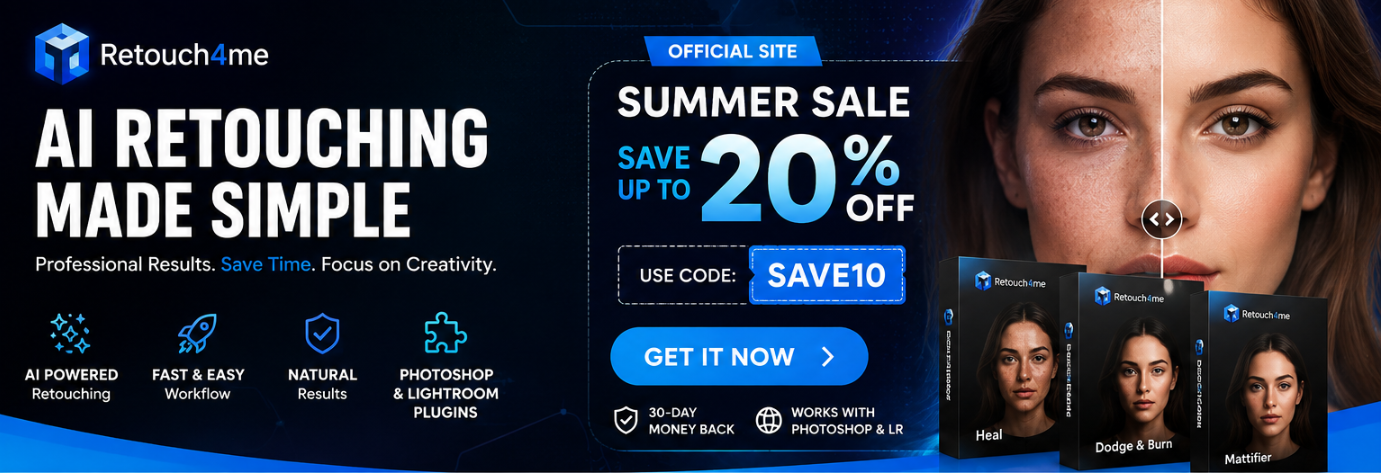
For photographers, retouching is often one of the most time-consuming parts of the creative process. Capturing the perfect shot may take seconds, but correcting skin imperfections, cleaning backgrounds, fixing clothing wrinkles, enhancing eyes, and making dozens—or even hundreds—of images look consistent can take hours.
That is where Retouch4me comes in.
Designed with photographers and professional retouchers in mind, Retouch4me combines artificial intelligence with practical photo-editing workflows to automate repetitive retouching tasks while keeping the final image natural and editable.
Whether you photograph portraits, weddings, fashion, products, events, or family sessions, Retouch4me offers a collection of AI-powered tools that can help you spend less time fixing pixels and more time creating.
What Is Retouch4me?
Retouch4me is an AI-powered photo retouching platform offering plugins and applications designed to simplify professional image editing.
Instead of manually performing the same repetitive corrections over and over again, photographers can use specialized AI tools to handle specific tasks automatically.
The platform includes tools for:
-
Skin correction
-
Acne and blemish removal
-
Dodge & Burn
-
Stray hair removal
-
Teeth whitening
-
Eye enhancement
-
Clothing wrinkle removal
-
Background cleanup
-
Color matching
-
Skin masking
-
Cropping
-
Dust and particle removal
-
And more
Retouch4me's official website currently offers a broad collection of AI-powered plugins and applications for different photography workflows.
Why Photographers Are Turning to AI Retouching
AI retouching isn't necessarily about replacing the photographer or professional retoucher.
The real advantage is reducing repetitive work.
Imagine photographing a wedding with 1,000 images. Even if only a portion of those photos require detailed retouching, manually correcting every blemish, stray hair, skin issue, or distracting detail can quickly become exhausting.
AI can take care of many of those repetitive adjustments so you can concentrate on the creative decisions that actually require your attention.
According to Retouch4me, its plugins are designed to preserve original skin texture and produce natural-looking results rather than creating an overly smooth or artificial appearance.
That distinction matters.
Good retouching should make an image look better without making the editing obvious.
5 Retouch4me Tools Worth Exploring
One of the strongest aspects of Retouch4me is that you don't necessarily need to purchase an enormous software package just to solve one particular editing problem.
The ecosystem contains specialized tools for different tasks.
1. Retouch4me Heal
Skin imperfections are among the most common issues photographers need to correct.
Retouch4me Heal is designed to remove acne and minor skin imperfections across the body, making it particularly useful for portrait, beauty, wedding, and fashion photography.
Instead of manually cloning every small imperfection, the plugin can automate much of the process while maintaining a natural appearance.
Best for: portraits, headshots, beauty photography, weddings, and professional studio work.

2. Retouch4me Dodge & Burn
Dodge & Burn is a classic professional retouching technique used to improve skin tone, shadows, highlights, and facial structure.
Retouch4me Dodge & Burn is designed to address issues such as under-eye bags, bruises, uneven skin, nasolabial folds, and unflattering shadows while preserving natural skin texture.
For photographers who want polished portraits without an overly processed appearance, this can become an extremely useful part of the workflow.
Best for: portrait, fashion, beauty, editorial, and headshot photography.
3. Retouch4me Stray Hairs
Stray hairs can be surprisingly frustrating to remove manually.
A single portrait may contain dozens of unwanted hairs crossing the face, clothing, or background.
Retouch4me Stray Hairs automatically detects and removes stray hairs, helping photographers achieve a cleaner final image without spending unnecessary time on repetitive cleanup.
Best for: beauty, wedding, portrait, fashion, and studio photography.
4. Retouch4me Fabric
Photographers working with fashion or commercial photography know how easily clothing wrinkles can distract from an otherwise excellent image.
Retouch4me Fabric automatically detects clothing and smooths wrinkles, making it useful for fashion sessions, catalogs, e-commerce photography, and commercial work.
Best for: fashion, e-commerce, product catalogs, and commercial photography.
5. Retouch4me Mattifier
Flash photography can sometimes create unwanted shine on the skin, especially during studio sessions, nighttime shoots, or events.
Retouch4me Mattifier is designed to detect shiny and oily areas and restore a more natural-looking tone.
Best for: studio portraits, event photography, beauty photography, and flash photography.

Retouch4me Apex: An All-in-One AI Retouching Option
If choosing individual plugins feels overwhelming, Retouch4me also offers Apex, an application that brings together many of the platform's core retouching tools.
Apex combines tools for skin, eyes, smile, hair, clothing, and background retouching in one desktop application. It supports cloud processing and layer-based editing and can work as a standalone application or with Photoshop, Lightroom, and Affinity Photo.
This makes Apex particularly interesting for photographers who want a more centralized workflow instead of constantly switching between different tools.
Does Retouch4me Work With Photoshop?
Yes.
Retouch4me is particularly useful for photographers already working inside Adobe Photoshop.
Its Photoshop Panel provides access to AI retouching plugins directly inside Photoshop, while results can be saved as adjustable layers.
The panel is designed to simplify the workflow further:
-
Open your image in Photoshop.
-
Select the Retouch4me plugin you need.
-
Choose the desired settings.
-
Let the AI process the image.
-
Fine-tune the result using Photoshop layers.
This approach gives photographers the convenience of automation without giving up control over the final image.
What Makes Retouch4me Different?
There are plenty of AI photo-editing tools available today. So why consider Retouch4me?
Natural-looking results
Retouch4me focuses heavily on maintaining natural skin texture rather than simply smoothing everything.
Specialized AI tools
Instead of using one generic AI filter for everything, photographers can choose dedicated tools for specific retouching tasks.
Faster repetitive editing
Tasks that might otherwise require repetitive manual adjustments can be automated, helping reduce editing time.
More control
Retouch4me supports workflows where photographers can continue refining the result instead of simply accepting an irreversible AI-generated image.
Flexible workflow
Depending on the product, Retouch4me tools can work locally or through cloud processing, and the ecosystem supports workflows involving Photoshop, Lightroom, Capture One, Affinity Photo, and other editing environments.
Is Retouch4me Worth It?
For photographers who regularly process large numbers of images, the biggest question isn't simply whether AI can retouch a photo.
It's whether AI can save enough time while maintaining the quality you expect.
That is where Retouch4me becomes particularly interesting.
A portrait photographer may use Heal and Dodge & Burn. A fashion photographer could combine Fabric, Stray Hairs, and skin-retouching tools. A wedding photographer may benefit from batch-oriented workflows when processing hundreds or thousands of images.
The best setup ultimately depends on your photography style and the type of editing you perform most frequently.
Retouch4me also offers perpetual licenses for individual plugins, meaning certain tools can be purchased as one-time licenses rather than requiring an ongoing subscription. The official pricing page currently lists both perpetual-license options and subscription plans.
🔥 Retouch4me High Season Sale: Save 30% on Every Plugin
If you've been considering trying Retouch4me, now may be a particularly good time to explore the available tools.
Retouch4me's official website is currently promoting its High Season Sale with 30% off every plugin.
There is also an additional bonus: customers who purchase two or more plugins can receive a free Cloud Starter Pack.
That makes the promotion especially interesting for photographers who already know they need more than one specialized retouching tool.
For example, a portrait photographer might consider combining:
Heal + Dodge & Burn
while a fashion photographer could benefit from:
Heal + Stray Hairs + Fabric
Before purchasing, it's worth checking the current offer and available deals to make sure you're getting the best available price.
Find the Latest Retouch4me Deals
For the latest Retouch4me coupons, promotions, and available offers, visit the dedicated Dealnory page:
Retouch4me Coupons & Deals on Dealnory
Dealnory makes it easier to check current Retouch4me offers in one place before completing your purchase.
Final Thoughts
AI isn't here to replace creativity.
For photographers, its biggest value may simply be giving time back.
Instead of spending hours removing tiny imperfections, correcting repetitive details, or cleaning up hundreds of images one by one, you can let AI handle much of the routine work and focus on composition, storytelling, lighting, and the artistic decisions that make your photography unique.
Retouch4me takes this approach seriously by combining specialized AI retouching tools with workflows designed for photographers and professional image editors.
Whether you're a portrait photographer looking for faster skin retouching, a wedding photographer processing hundreds of images, a fashion photographer cleaning up clothing and hair, or a commercial photographer working with large catalogs, Retouch4me offers tools worth exploring.
And with the current 30% off High Season Sale on every plugin, this could be a good opportunity to test the tools you've been considering.
Ready to spend less time retouching and more time creating?
Check the latest Retouch4me deals on Dealnory