AUTOMOTIVE · 4 MIN READ
ThinkCar Review: Which OBD2 Scanner Makes Sense for DIY Car Owners?
Nov 02, 2026 · 1 views
In this article
A dashboard warning light can mean anything from a loose fuel cap to a failing sensor, and a trip to the garage just to read the code feels wasteful. An OBD2 scanner lets you read and clear those codes yourself, and more advanced tools go much further, running tests, resetting service lights and coding modules. ThinkCar sells diagnostic scanners under its own name and its MUCAR brand, aimed at both DIY owners and professional technicians.
I would choose a scanner by what you actually plan to do with it. Reading a code once a year needs a very different tool from bleeding brakes, calibrating steering angle sensors or diagnosing several family cars. Paying for professional features you will never use is the most common mistake.
Two ends of the range
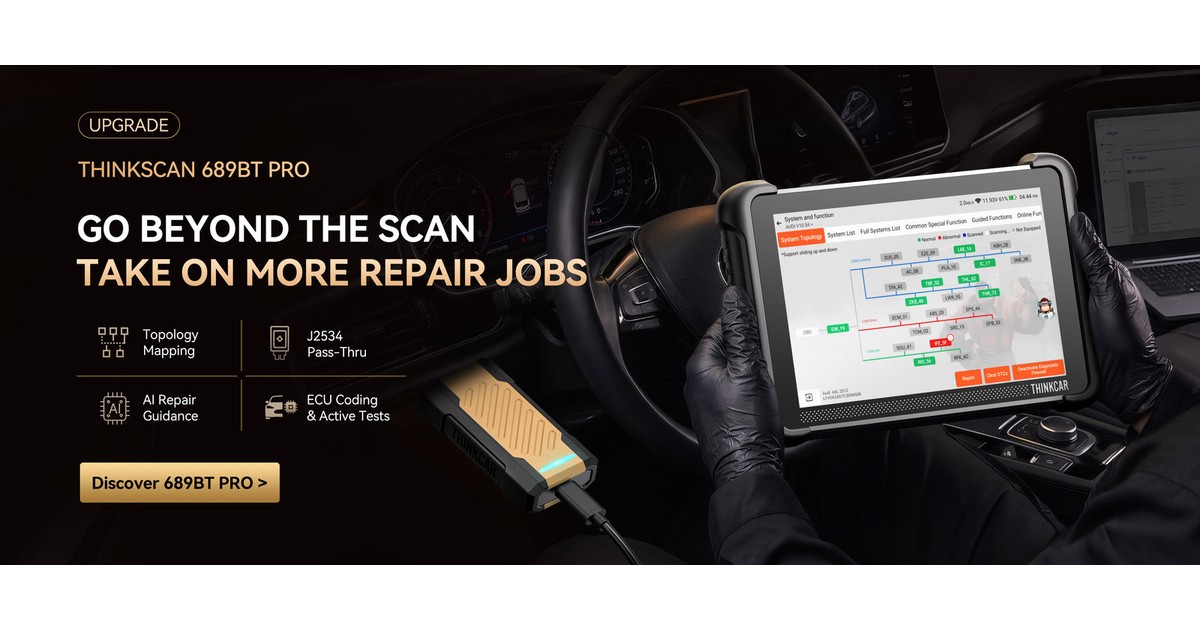
At the budget end, the MUCAR BT200 MAX is a Bluetooth dongle listed at $79 against a regular $109. It works with an app on Android 5.0 or iOS 13 and later, and offers OBD2 diagnostics, bidirectional control and more than 15 reset functions. At the professional end, the THINKSCAN 689BT is listed at $499.94, with an Android tablet, an 8-inch screen, full-system diagnostics, more than 3,000 active tests, ECU coding and over 35 service functions.
Between them sit other models, including the THINKDIAG 2 at $159, the THINKSCAN 662 at $195.95 and higher-end PRO versions at around $799.
What bidirectional control means
A basic code reader only listens to the car. Bidirectional tools can also send commands, such as switching on a fuel pump, cycling an ABS valve or opening a window, to confirm whether a component works. That is valuable for diagnosis but needs care, because sending the wrong command at the wrong time can cause problems.
For most owners, code reading, live data and common resets such as oil service and battery registration cover what they need. ECU coding and advanced adaptations are more useful for enthusiasts and workshops.
Check vehicle coverage
The 689BT claims coverage for more than 120 vehicle brands, but the coverage lookup on the site returned no results or was unavailable when it was tested. Function support varies widely by make, model and year, so I would ask support to confirm the exact functions for your car before buying. One customer review mentioned a VIN not being recognised on an older vehicle.
Updates: read the small print
Both product pages advertise lifetime free updates, which is a genuine advantage over tools that need annual subscriptions. However, the service agreement says ThinkCar may start charging for some free services, with no refund if that happens. The licence is also described as for personal and non-commercial use, which matters if you run a workshop.
The 689BT FAQ adds that it cannot be upgraded to the PRO model through software or activation, so choose the level you need at the start.
Shipping, returns and warranty
Standard US shipping is free, estimated at three to fifteen days, with fast shipping for $29.99. EU standard shipping is free, and other countries are free over $200. Returns are covered by a 30-day satisfaction guarantee for unused products in original packaging, with authorisation needed first. Customers pay return shipping, and shipping fees are not refunded. The product banner mentions a one-year warranty, although I did not find the full warranty terms.
Because returns must be unused, check compatibility before plugging the tool into your car, as testing it may count as use.
Cost compared with a garage visit
For illustration, a garage diagnostic check often costs a meaningful fee. If a $79 dongle replaces two such visits, it pays for itself quickly. A $499.94 tablet makes sense when it replaces regular workshop visits or supports several vehicles. That is a budgeting example, not a promise of savings.
My verdict
ThinkCar offers a wide spread of scanners, from an affordable Bluetooth dongle to a capable tablet with bidirectional control and coding. The lifetime update promise is attractive, but the service agreement and unconfirmed vehicle coverage mean you should check details before paying. I have not used these tools, so connection reliability, software quality and coverage for specific cars remain untested here.
If I were buying, I would start with the BT200 MAX for basic home use, or confirm the 689BT's functions for my exact car if I needed more. A scanner earns its price when it turns a mysterious warning light into a clear next step, not when it lists the most functions.
Current coupons and offers
Compare the available offers below against the complete checkout total. Choose a coupon that applies to what you actually need, and check its conditions before paying.
Offers and coupon eligibility depend on the store and the time of purchase. For the latest options, visit the ThinkCar offers page on Dealnory.
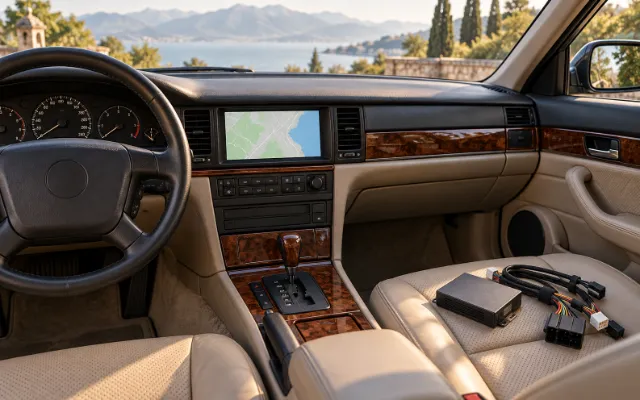
Sources and disclosure: ThinkCar homepage, THINKSCAN 689BT and MUCAR BT200 MAX product pages, Return Policy, Delivery Policy and Service Agreement, checked 2 November 2026. This is an editorial assessment of published information, not a hands-on test. Dealnory may earn a commission on qualifying purchases. The cover is an editorial illustration.