ELECTRONICS & TECHNOLOGY · 3 MIN READ
VSDinside Review: Can a Control Pad Make Your Daily Work Feel Easier?
Oct 28, 2026 · 1 views
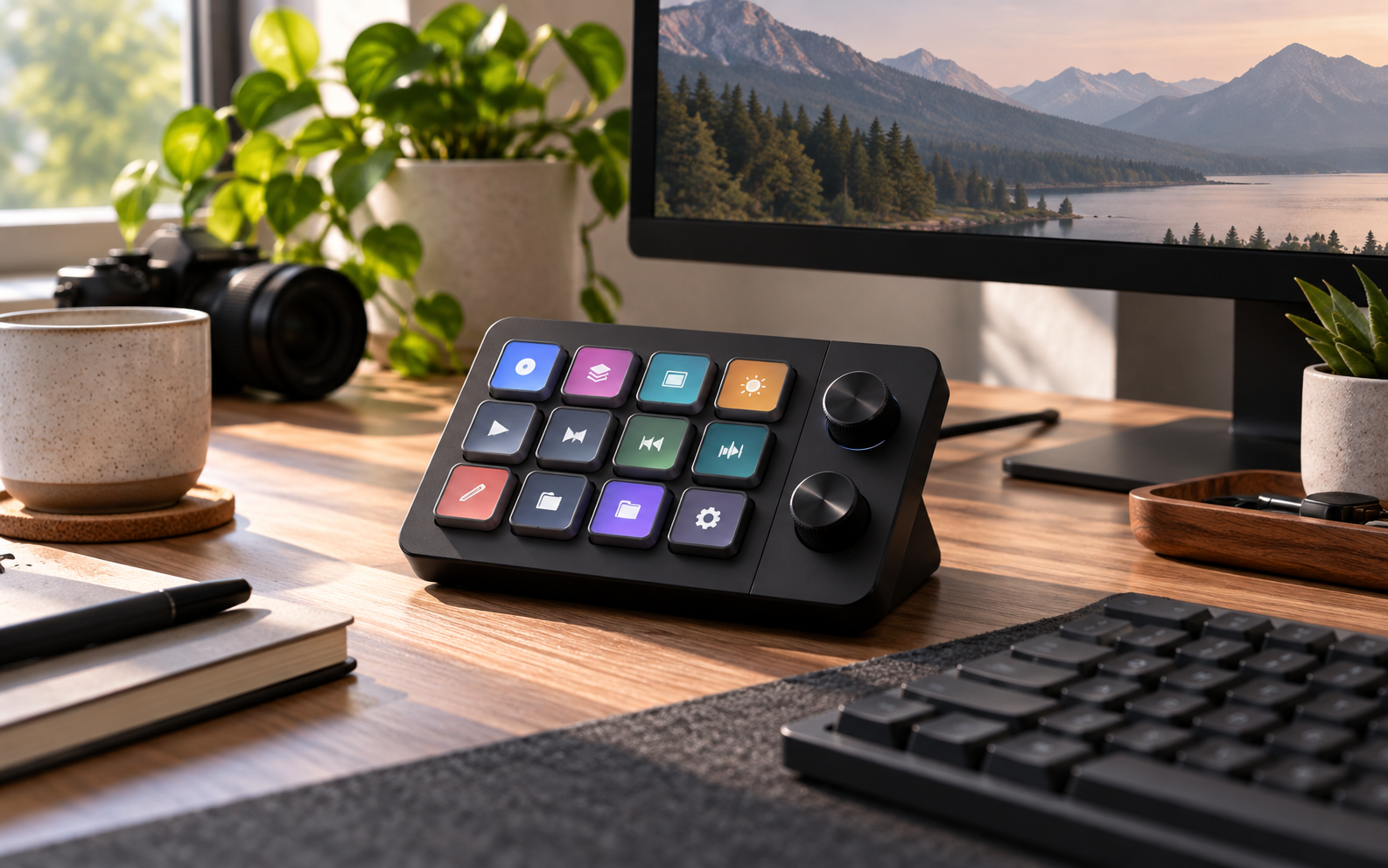
The useful change is fewer interruptions to your attention
A control pad earns its place when it removes a task you repeat while trying to concentrate. VSDinside is worth considering for someone who switches scenes, controls audio, edits media or repeats application commands throughout the day. The benefit should be a smoother working rhythm, rather than simply adding an illuminated accessory to the desk.
We have not used or benchmarked these devices. This review assesses the published range and the checks that determine whether programmable controls will help your particular workflow.
Choose a separate controller or an integrated keyboard deliberately
The current Stream Dock catalogue includes N1, M18, N4 Pro and 293S models. The K1 Pro combines mechanical typing keys with a programmable control interface. A separate pad lets you keep a keyboard you already like; an integrated model asks you to judge typing layout and workflow controls as one purchase.
List a few actions you perform often and how you trigger them today. If ordinary keyboard shortcuts already feel effortless, another device may add little. If the actions are difficult to remember or interrupt a live presentation, labelled visual controls can be a more persuasive reason to buy.
The software decides whether the buttons are useful
The manufacturer describes customisable visual keys, profiles and plugins, including tools intended for streaming and application control. Those capabilities should be checked against the exact operating system, application version and device model you plan to use. A broad compatibility statement is not proof that every desired integration works identically.
Before purchase, look for the official download and instructions and confirm how your intended action is configured. Distinguish a simple keyboard command from a plugin that requires an account, online service or separate subscription. Avoid assuming that the AI label includes unlimited access to every external tool.
Start with a small profile you can remember
A sensible first setup might cover microphone control, switching a presentation view and opening a frequently used workspace. Choose actions whose result is easy to recognise, then place them consistently. Filling every available key immediately can create another interface to learn instead of reducing friction.
Check how profiles change and whether the current state is clear while the main application is in use. For a live session, practise the complete sequence beforehand. Keep a familiar alternative available while learning the device rather than relying on an untested control for an important event.
Include setup and maintenance in the value calculation
Compare the complete delivered price, necessary connections and the desk space occupied. Consider the time required to create profiles and keep integrations working after software updates. A controller can save seconds repeatedly, but only after it reliably performs actions you actually need.
Read return and warranty conditions for the selected product and destination. Confirm which cables and accessories are included and whether your available ports are suitable. A low product price becomes less attractive if the workable setup needs unexpected extras or replaces a keyboard whose layout suits you better.
Our verdict: buy a solution to a repeated task
VSDinside is a useful shortlist for someone with a clear set of recurring commands and the willingness to configure them. It is a weaker fit when the attraction is mainly the appearance or an expectation that automation happens without planning. More programmable buttons are valuable only when their functions remain easy to use.
Choose the form and software support that match your existing desk. If the device keeps attention on the work and reduces repeated interruptions, its price has a practical justification. Apply the eligible offers below after confirming the exact model and required integrations.
Current offers and a sensible final price
Check the latest VSDinside coupons and offers on Dealnory after choosing the suitable product. Compare the complete basket, delivery and any eligibility conditions rather than adding promotional percentages together.
Coupon codes, deals and availability depend on the merchant’s current terms and may change or expire. The linked Dealnory store page has the latest available alternatives.
Sources and disclosure: VSDinside official homepage, Stream Dock catalogue and AI Keyboard collection descriptions, checked 28 October 2026. Editorial assessment of published information, not a hands-on product test. Dealnory may earn commission from qualifying purchases. Images are editorial illustrations.