ELECTRONICS & TECHNOLOGY · 6 MIN READ
EKSA Review: Headset Fit & Device Compatibility
Nov 04, 2026 · 14K views
In this article
- EKSA review: choose by device and connection
- E900 names describe different products
- Virtual surround is a feature to evaluate
- Wireless choices need model-specific checks
- Microphone convenience versus microphone quality
- Comfort requires your own fit assessment
- Cables and everyday handling
- Warranty and return limitations
- Compare the final basket
- EKSA review: the verdict
EKSA review: compare headset connections, platform support, microphone controls, comfort questions and return terms before choosing your gaming audio setup.
A headset can look compatible with several devices while offering different features on each one. Sound, microphone input, lighting and virtual-surround processing do not necessarily travel together through every cable or wireless mode. EKSA has several model families, making the exact connection path more useful than a general gaming label.
This review examines published product information and shopping policies checked on November 4, 2026. We have not worn, listened to or measured these headsets. Dealnory may earn a commission through our links at no extra cost to you. Check current EKSA coupons and offers after identifying the model and connection you need.
EKSA review: choose by device and connection
The catalog includes wired and wireless headsets, with categories for USB, 3.5mm, Bluetooth and gaming platforms. Begin with your actual equipment: computer, console, controller, phone and any adapters already in use. Then identify which audio and microphone functions must work on each.
Make a short compatibility table before shopping. For example, list game audio, voice chat, microphone mute and volume adjustment for the devices you use most. Add any required dongle or adapter. This turns a broad compatibility statement into a practical set of questions for the exact model.
Someone using one desktop computer may prefer a simple wired arrangement. Someone moving between a console and phone may have different priorities. A wireless label alone does not establish that a model supports your preferred mode on both devices.
E900 names describe different products
EKSA's support material distinguishes E900, E900 Pro and E900 Plus rather than treating them as equivalent. The E900 Pro material describes detachable USB and 3.5mm paths, while its software-based virtual-surround instructions refer to a PC USB connection. Check the upgraded version's current manual and driver requirements separately.
That distinction matters when comparing offers with similar photographs. A product suffix can change the cable arrangement or feature availability. Confirm the complete name, included cables and version in the cart rather than assuming the cheapest E900-labelled listing has every feature described in another review.
Do not transfer troubleshooting advice indiscriminately between generations. If you need support, include the exact version, connection method and operating system. This is more useful than asking why a feature associated with the broader model family is absent.
Virtual surround is a feature to evaluate
A virtual-surround label describes processing, not a measured advantage in every game. We have not evaluated positional cues, tonal balance or competitive performance. Compare the available modes in the games you play instead of treating the channel-count label as a universal sound-quality rating.
Check whether the selected mode needs software, a particular connection or a supported operating system. An analog connection can have different available features from USB. Confirm the actual configuration before deciding that a product is suitable for a console or computer.
If the game or operating system already supplies spatial processing, understand the settings you are combining. Keep a record of changes when comparing modes so you can return to a known setup. An attractive feature list is useful only when the controls and supported path are clear.
Wireless choices need model-specific checks
EKSA lists several wireless models, including products described with 2.4GHz and Bluetooth features. Check which receiver is supplied, the supported ports and how switching modes works. Do not assume that a charging cable also provides wired audio or that every wireless mode carries the same microphone functions.
Consider where the receiver will sit and whether a port is conveniently available. A desktop behind furniture and a handheld device create different practical arrangements. Confirm any adapter requirement before treating a multi-platform headline as a complete setup.
We have not measured latency, range or battery endurance. If those are decisive, seek evidence for the exact mode and device combination. A low-latency marketing description does not establish performance for every Bluetooth connection or game.
Microphone convenience versus microphone quality
Check how the microphone attaches, moves and mutes on the chosen headset. A visible boom is useful only if its controls work naturally in your routine. Someone switching between calls and gaming may value a predictable physical mute control more than extra lighting effects.
Microphone noise-reduction claims should be evaluated in context. EKSA's support information acknowledges environmental limits for some models. We have not recorded voice samples or tested keyboard, fan or traffic noise, so this review cannot promise a clean result in a particular room.
Test the actual chat application and selected input device during any permitted initial check. A computer can use its built-in microphone even while sending audio to the headset. Confirming input selection can resolve a setup issue without assuming the headset itself is defective.
Comfort requires your own fit assessment
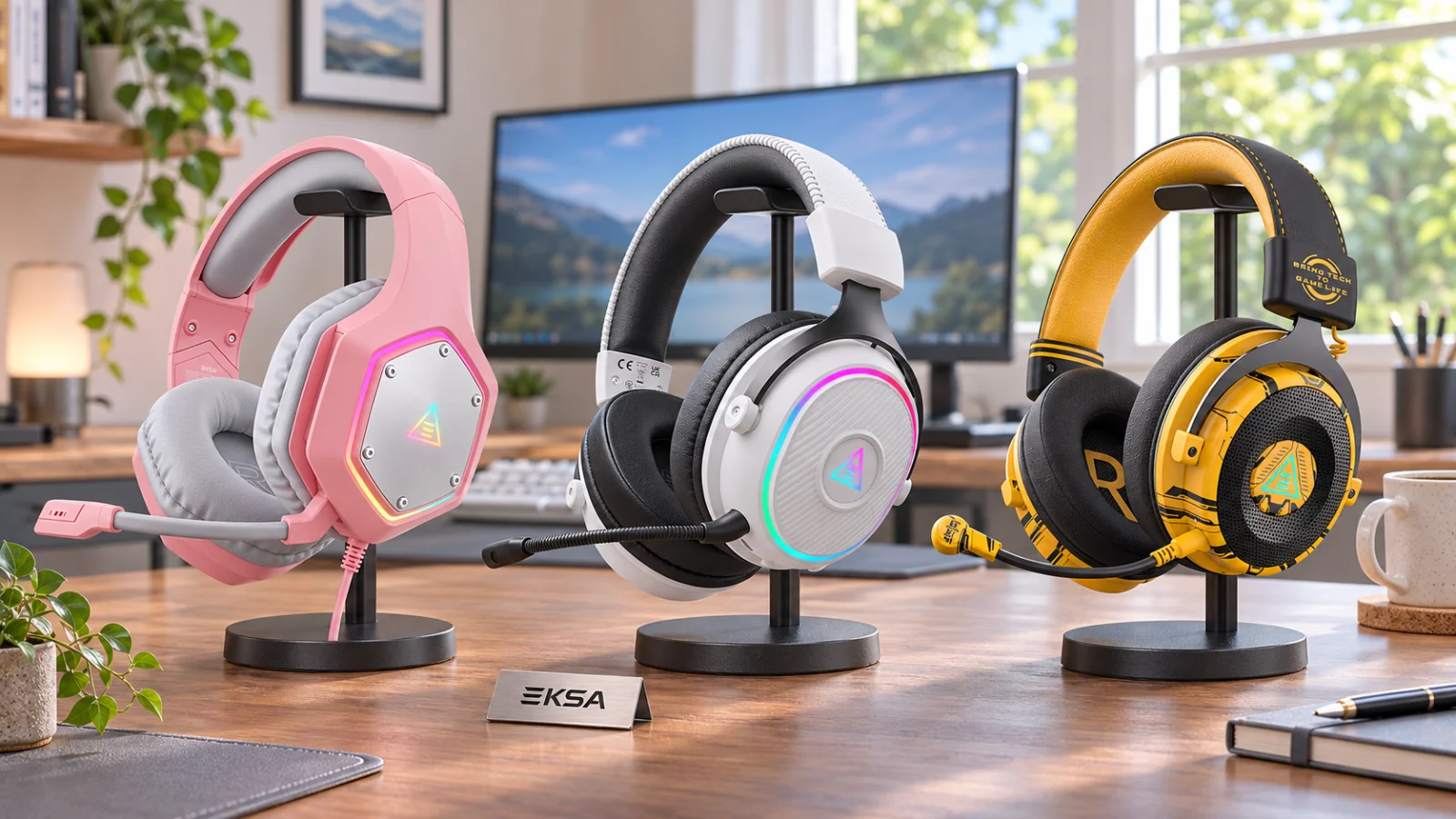
Headband adjustment, earcup space, pad material and wearing weight are practical comparison points. Product photos cannot establish how a headset feels on your head or alongside your glasses. We have not measured clamping force or worn these models for long sessions.
Think about how long you normally play and how often you remove the headset. Check whether controls remain easy to reach and whether the microphone position suits your desk. A good-looking frame can still be inconvenient if its adjustment or cable route does not fit your habits.
Look for replacement parts for the exact model if long-term ownership matters. The presence of replacement pads elsewhere in the store does not establish compatibility with every headset. Ask about the correct item rather than ordering by appearance alone.
Cables and everyday handling
Compare the included cable lengths, connectors and any detachable parts. Think about where the controller or computer sits relative to your chair. A cable that reaches in a product photograph may still pull awkwardly across your own desk.
Plan a place to keep the headset when it is not in use. Avoid placing strain on a connector or leaving a cable where the chair can catch it. Those are ordinary ownership considerations rather than a claim that any specific model has failed in our testing.
Lighting is another detail worth checking. Find out how it is powered and whether it can be controlled independently in your intended configuration. Do not assume the lighting connection and audio connection serve the same function.
Warranty and return limitations
The product information advertises a 24-month warranty, while the detailed return page describes manufacturing-defect requests within 14 days of delivery and prior approval. It requires unused condition, original packaging and proof of purchase, and describes limits on replacement. Clarify the applicable process for your purchase location and issue.
A warranty headline should not be read as an unrestricted comfort trial. Ask what inspection or use is permitted before relying on a change-of-mind return. Preserve the carton, cables and accessories while checking the order, and obtain the authorised return address before shipping anything.
We have not tested support response or made a claim. Keep the order record and model details, and describe the connection and troubleshooting steps clearly if you need assistance. Do not assume a marketplace order follows the same return process as a direct purchase.
Compare the final basket
Review current EKSA offer conditions on Dealnory, then check the exact version, colour and bundle. A couple set or accessory bundle can change the apparent price comparison. Count only the items you need.
For illustration, a hypothetical $50 headset with a ten-percent reduction saves $5. Adding an unnecessary $15 stand increases the basket despite the discount. These are example amounts, not current EKSA prices or a promise that a code applies.
Include delivery and any necessary adapter in the complete cost. If a feature is essential, resolve its compatibility before checkout. A small saving is less useful when the selected model cannot provide microphone input or the desired mode on your main device.
EKSA review: the verdict
EKSA is worth comparing when an exact headset matches your connections, platform and everyday controls. The catalog offers different formats, so compare at product level and keep software-dependent features attached to their supported configurations. Sound, comfort and microphone performance remain untested here.
If the configuration and applicable terms suit you, browse EKSA through our affiliate link. Choose a usable setup at the complete price rather than the longest list of gaming features.