SOFTWARE & SAAS · 5 MIN READ
Kamatera Review: Configurable Cloud Servers and Pricing
Nov 04, 2026 · 17K views
In this article
- Kamatera review: infrastructure you configure yourself
- Pricing: hourly or monthly, and what the entry plan includes
- Data centers, performance and support
- Managed or unmanaged: be honest about your skills
- Who Kamatera suits, and who may want something else
- Our verdict: buy for the server you actually need
- Current offers and a sensible final price
Kamatera review: how the configurable cloud servers, networking add-ons and managed options fit different projects, what to check on billing and data centers, and which current offers lower the cost.
Most hosting plans come in fixed sizes: small, medium, large. That works until your project needs more memory but not more CPU, or a server in a city the provider does not cover. Kamatera takes a different approach, letting you build each cloud server to your own specification and pay by the hour or the month. The flexibility is the appeal, and it also means the buyer does more of the planning.
This desk review is based on Kamatera's published product information and the offers listed on Dealnory, checked on November 4, 2026. We have not run workloads on the platform. Dealnory may earn a commission through our links at no extra cost to you. Check current Kamatera offers once you have a rough server size in mind.
Kamatera review: infrastructure you configure yourself
The core product is Cloud Servers. You choose the CPU type, the number of vCPUs, RAM, NVMe SSD storage and the operating system, then deploy in a data center of your choice. Around that sit Virtual Private Cloud for isolated networks, Cloud Firewall, Load Balancers, Block Storage, Virtual Dedicated Servers and Cloud Desktop for hosted desktops.
Kamatera also lists reseller hosting, a Cloud API for automating deployments, and solution pages for managed cloud services, disaster recovery, backups, monitoring, VPN hosting, VPS hosting and virtual machine hosting. In practice that means one account can cover a single development server today and a load-balanced production setup later, with scaling up and out as the project grows.
Pricing: hourly or monthly, and what the entry plan includes
Kamatera offers flexible monthly and hourly pricing. Its pricing page lists a Basic cloud server from $4 per month with 1 vCPU, 1 GB RAM, 20 GB of NVMe storage and 5 TB of traffic, which is enough for a small site, a test environment or a lightweight service. Larger configurations are priced from the components you choose.
The choice between hourly and monthly billing is where many buyers save or overspend. Hourly billing suits servers that run for a few hours or days, such as build machines, demos or load tests. Monthly billing suits always-on workloads like a production website or database. Before committing, add up storage, traffic and any add-ons such as backups or managed services, since the base server price is only part of the total.
Data centers, performance and support
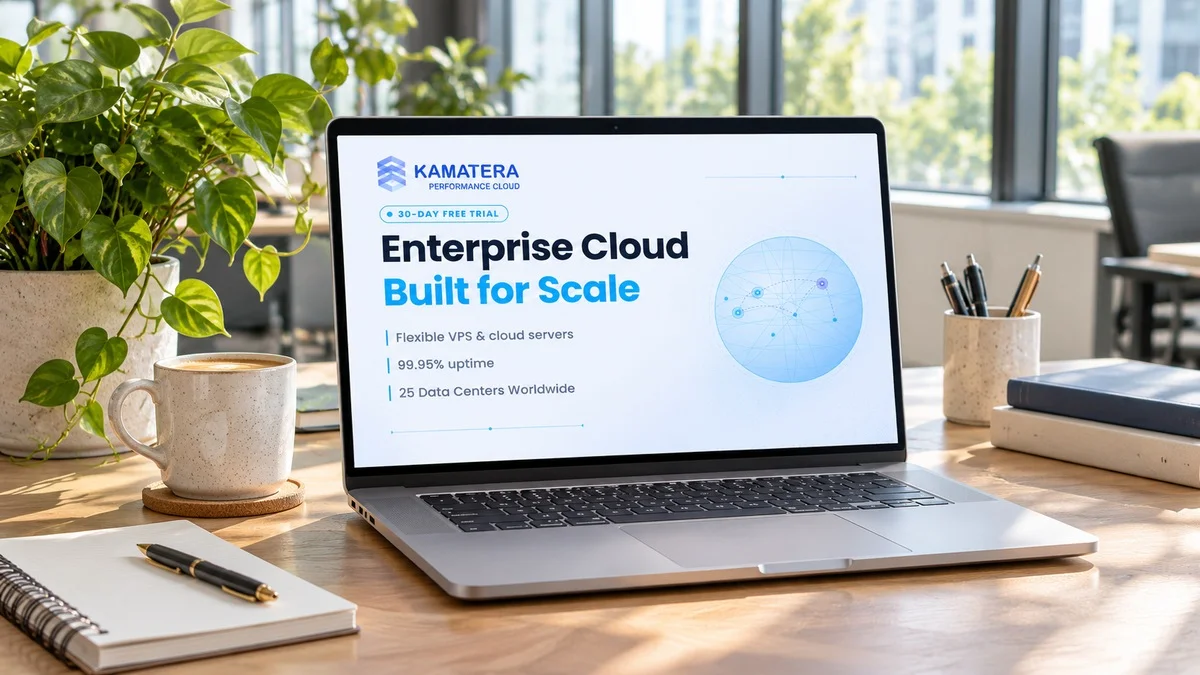
Kamatera says it operates 25 locations across North America, Europe, Asia, Australia and the Middle East. Named cities include New York, Dallas, Chicago, Los Angeles, Santa Clara, Seattle, Miami, Atlanta and Toronto in North America, London, Frankfurt, Amsterdam, Madrid, Milan, Stockholm and Bucharest in Europe, plus Tel Aviv, Tokyo, Hong Kong, Singapore and Sydney.
Pick the location closest to your users rather than the cheapest one, and use the provider's speed test page to compare latency from where your audience is. Technical support is listed as available 24/7 by phone and through the support portal, with a knowledgebase for common tasks. That matters for an unmanaged platform, where the operating system and applications are your responsibility unless you add managed services.
Managed or unmanaged: be honest about your skills
By default you are running a server, not a website builder. You will update the operating system, configure the firewall, set up backups and secure remote access yourself. Developers and system administrators will appreciate the control. Small business owners who just want a site online may find a managed WordPress host simpler.
Kamatera recommends its managed services option for users unfamiliar with server operating systems, and it is worth pricing that in from the start if you are in that group. A cheap server that nobody patches is not a bargain, and the cost of a security incident dwarfs the monthly difference.
Who Kamatera suits, and who may want something else
Kamatera is a good fit for developers who want to size servers precisely, agencies that host several client projects, businesses that need servers in specific countries, and teams that spin servers up and down for testing. The API and private cloud networking also suit more complex setups with multiple servers.
It is a weaker fit for beginners who want one-click hosting with a visual control panel and email included, and for anyone who does not want to think about operating systems at all. Those buyers may be happier with managed shared or WordPress hosting.
Our verdict: buy for the server you actually need
Kamatera makes the most sense when you know roughly what your project needs and want to pay for exactly that, in a data center near your users. The configurable servers, hourly billing and wide location list give technical buyers real control, and the networking add-ons let a setup grow without changing providers.
If you are new to servers, budget for managed services or choose a simpler host. If you are comfortable at the command line, Kamatera is a flexible option worth testing before you commit.
Current offers and a sensible final price
Kamatera currently offers a 30-day free trial that covers services worth up to $100 on one server, Basic cloud servers listed from $4 per month for 1 vCPU, 1 GB RAM, 20 GB NVMe storage and 5 TB of traffic, and flexible hourly or monthly billing on its cloud servers. The trial is the best way to benchmark your exact configuration and data center before paying, while the billing choice decides whether a short-lived server costs pennies or a full month.
Size the server to the workload, add only the extras you need, and compare the monthly total with your current host. Check the latest Kamatera coupons and offers on Dealnory to see what is active today.
Coupon codes, deals and availability depend on Kamatera's current terms and may change or expire.
Sources and disclosure: Kamatera official product, pricing and data center pages and the offers listed on Dealnory, checked November 4, 2026. Editorial assessment of published information, not a hands-on test. Dealnory may earn commission from qualifying purchases. Images are editorial illustrations.