PHOTOGRAPHY & CREATIVE TOOLS · 4 MIN READ
Xencelabs Review: Pen Tablet or Pen Display – Which Is Worth It for Your Drawing Setup?
Nov 02, 2026 · 1 views
In this article
Drawing with a mouse is possible, but anyone who spends real time on illustration, photo retouching or design soon feels its limits. A pen tablet or pen display adds pressure, tilt and a more natural hand position. The difficult part is choosing between a modest tablet and a far more expensive screen you draw on directly. Xencelabs is interesting because it sells both, with professional features at a range of prices.
I would start with the work you do and the desk you do it at. A drawing device earns its price when it fits your workflow and makes long sessions more comfortable. An expensive display does little for the budget if most of your work is quick retouching that a smaller tablet would handle well.
Pen tablet versus pen display
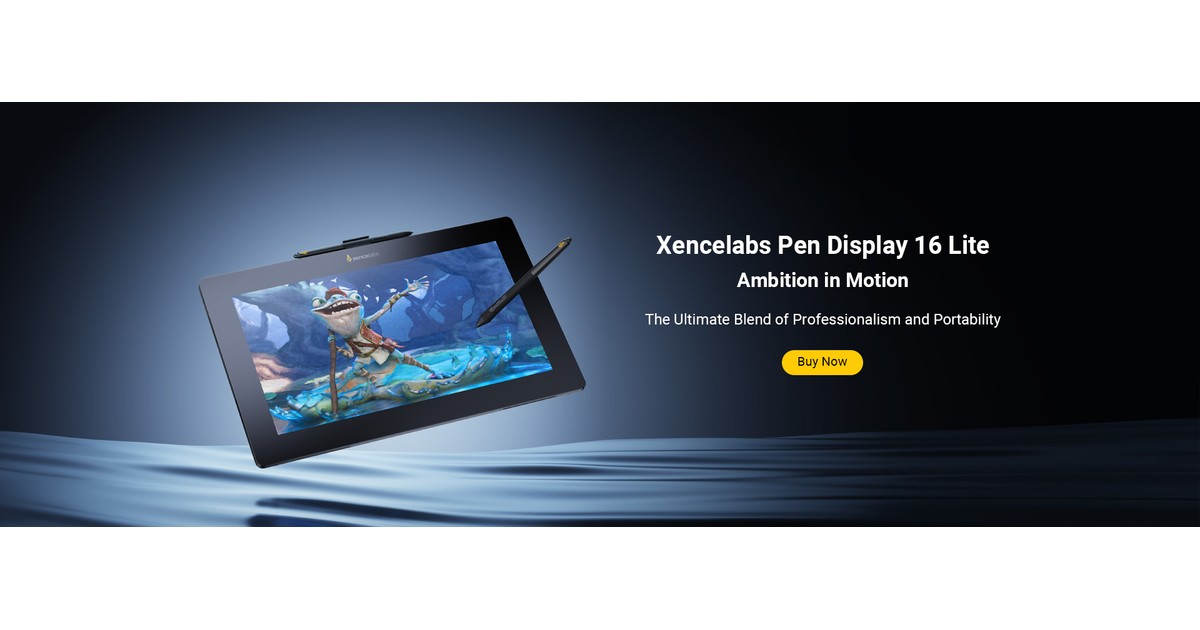
A pen tablet is a surface you draw on while looking at your existing monitor; a pen display is a screen you draw on directly. Xencelabs lists the Pen Tablet Medium at $224.99, the Pen Tablet Small at $59.99, the Pen Display 16 Lite at $679.15 and the Pen Display 24 at $1,574.10, with bundles and the 24+ priced separately. That is a large spread, so the format decision matters more than any single feature.
Tablets take some practice because hand and eye are separated, but they are compact and affordable. Displays feel more like paper and can speed up detailed linework, yet they need desk space, connections and a bigger budget.
The Pen Tablet Medium in detail
Xencelabs lists the Pen Tablet Medium with an active area of 262.4 x 147.4 mm in a 16:9 ratio, 8,192 pressure levels and a weight of 710.5 g. It connects by USB or wirelessly through a dedicated Bluetooth dongle, with up to 16 hours of battery life and a 2.5-hour charge time. The 16:9 shape matches most widescreen monitors, which helps map the drawing area naturally.
For many illustrators and photo editors, a medium tablet is the sensible middle ground. A small tablet may feel cramped for broad strokes, while a large one needs more arm movement and desk space.
What the Pen Display 24 adds
The Pen Display 24 has a 23.8-inch 4K screen, an active area of 527.04 x 296.46 mm, 8,192 pressure levels, 60 degrees of pen tilt and support for 1.07 billion colours. It weighs 6 kg, is not a touch screen and connects by USB-C, HDMI or DisplayPort; HDMI and DisplayPort connections also need a USB cable for pen data. It runs on mains power and offers VESA mounting and a Kensington lock port.
That size suits artists who want a large canvas and colour-critical work, but it also changes your desk. Plan where it will sit, how you will angle it and whether your computer has the right ports.
Compatibility, shipping and support
Both the Medium tablet and the Pen Display 24 list support for Windows 7 or later, Windows 11 ARM64, macOS 10.13 or later and tested Linux platforms. Driver downloads require an internet connection. Pens are described as battery-free.
The US store offers free shipping on orders over $50, with an $8.99 charge below that, and processing within 24 to 72 working hours; delivery estimates vary by warehouse and carrier, and PO Boxes and APO/FPO addresses are excluded. Product pages show a 30-day return and refund badge and a 24-month warranty for the official store, along with lifetime technical support. Read the linked aftersales policy for conditions before relying on the return window.
Compare the cost per working hour
Add the device, any stand or extra nibs and the cables your computer needs. Then compare it with the hours you will spend drawing. A professional who works daily can justify far more than someone who sketches occasionally.
For illustration, a $224.99 tablet used for ten hours a week over a year costs roughly 43 cents per hour. A $1,574 display used the same amount costs around $3 per hour in its first year. That is a budgeting example, not a recommendation on which you need.
My verdict
Xencelabs looks well suited to illustrators, designers and photo editors who want professional pressure sensitivity and cross-platform support, whether in a tablet or a large display. The detailed active areas, connections and OS support make it easier to choose the right format. I have not used these devices, so pen feel, colour accuracy and driver stability remain untested here.
I would start with the Medium tablet unless you already know you need to draw directly on screen, and confirm ports and desk space before choosing a display. The price earns its place when the device makes your creative work faster or more comfortable. Match the tool to the hours you will actually use it.
Current coupons and offers
Compare the available offers below against the complete checkout total. Choose a coupon that applies to what you actually need, and check its conditions before paying.
Offers and coupon eligibility depend on the store and the time of purchase. For the latest options, visit the Xencelabs offers page on Dealnory.
Sources and disclosure: Xencelabs US store, Pen Display 24 and Pen Tablet Medium product pages, warranty hub and shipping policy, checked 1 November 2026. This is an editorial assessment of published information, not a hands-on test. Dealnory may earn a commission on qualifying purchases. The cover is an editorial illustration.