PHOTOGRAPHY & CREATIVE TOOLS · 3 MIN READ
3DMakerpro Review: Buying a Scanner for a Usable Model, Not Just a Detailed Preview
Oct 28, 2026 · 0 views
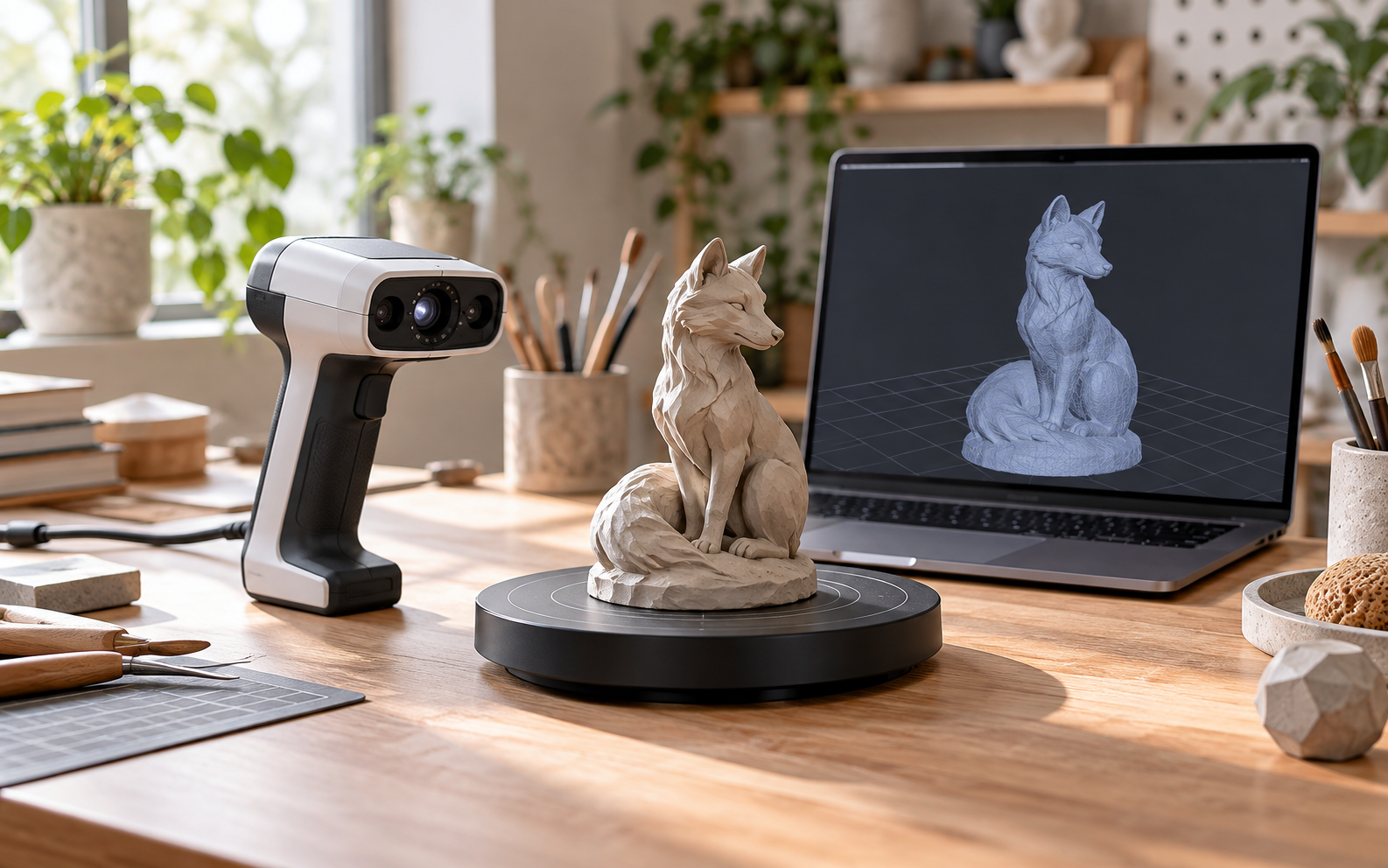
The goal is a digital model you can use
A 3D scanner can make a physical object easier to document, adapt or bring into a creative project. The purchase is worthwhile when the resulting file saves meaningful modelling work and fits the next step. 3DMakerpro offers several scanner families, but a detailed-looking preview alone does not establish that a model is ready to print, edit or measure.
We have not scanned objects or validated the manufacturer’s accuracy claims. This review assesses the published range and the practical work between receiving a scanner and obtaining a useful result.
The current range makes object size an early decision
The official store features Turtle, Fox, Toucan, Moose and Seal families, as well as LiDAR options for other scales of capture. It describes Turtle as a modular system with swappable S, M and L modules. That flexibility is worth examining, but confirm which modules the selected package includes before comparing a starting price.
Decide what you will scan most often, including its size, surface and the detail needed in the final file. A scanner selected for small decorative objects should not be assumed to handle a room or large assembly equally well. Ask for a recommendation tied to representative objects rather than choosing by one headline number.
Moose illustrates why the complete specification matters
The Moose listing distinguishes accuracy from resolution and offers Standard, Premium and Luxury combinations. Its published package images show different accessories across those combinations. A comparison should therefore identify both the scanner and the exact bundle, not treat every Moose price as an equivalent setup.
The selected Standard listing showed a sold-out status when checked. Confirm live stock and the intended regional store before planning a deadline. A sale figure or product page remaining visible does not guarantee that the required configuration can be dispatched immediately.
Capture is only the first stage of the workflow
Check the supported computer, operating system and software requirements for the chosen model. Ask how the data is processed and which export formats are available for the application you intend to use. The ability to view a scan is different from having an editable, watertight or dimensionally suitable file.
Allow time for learning, alignment, cleanup and checking the result. If the model will be used for a fit-critical component, use an appropriate independent verification process rather than relying on a promotional accuracy figure. For creative work, decide which imperfections matter to the finished object before spending more on specifications.
Accessories and surface preparation affect the real budget
The Moose page lists options such as a turntable and Smart Grip, with separate descriptions of their role. Confirm compatibility and what is already included before adding accessories. Portable scanning should not be assumed to work with every phone without the required hardware and software.
Reflective, transparent or dark objects may require a different approach. Follow the manufacturer’s guidance and confirm whether preparation is appropriate for the object, particularly if it is delicate or valuable. Include any required consumables, supporting equipment and processing time in the complete project cost.
Our verdict: choose the output before the scanner
3DMakerpro is worth shortlisting when you can describe the object, required output and software workflow clearly. Its range gives you several routes to compare, but that breadth does not eliminate the need to match scale and surface to the product.
It is a weaker fit for someone expecting an automatic perfect replica from every object. Start with a realistic project and a complete supported setup. If it produces files that reduce the work you already need to do, the price has a practical justification; use eligible offers after establishing that match.
Current offers and a sensible final price
Check the latest 3DMakerpro coupons and offers on Dealnory after choosing the suitable product. Compare the complete basket, delivery and any eligibility conditions rather than adding promotional percentages together.
Coupon codes, deals and availability depend on the merchant’s current terms and may change or expire. The linked Dealnory store page has the latest available alternatives.
Sources and disclosure: 3DMakerpro official store, current scanner-family and Turtle descriptions, Moose specification, package and accessory listings, checked 28 October 2026. Editorial assessment of published information, not a hands-on product test. Dealnory may earn commission from qualifying purchases. Images are editorial illustrations.
$15OFF
Halloween Sale: Take an Extra $15 Off, Stackable With Sitewide Deals
Show code $15OFF
Take $15 Off Your Cart With This Exclusive Discount
Show code $15OFF
Score $15 Off This Exclusive Deal
Show code $10OFF